Updated November 9, 2026
The four kinds
| Kind | Good at | Trade-off |
|---|---|---|
| Budgeting apps | Planning every dollar, tracking spending by category. | Usually link your bank, and take regular time to keep up. Bills are one small part. |
| Money managers | Spotting subscriptions and recurring charges from your accounts. | Need your bank login, and show charges after they happen rather than reminding you before. |
| Calendar reminders | Free, already on your phone. | No total of what's left, no paid state, and amounts or dates that change mean editing events by hand. |
| Bill trackers | Due dates, reminders and a clear paid or unpaid list. | Don't see your spending, and you add bills yourself. |
What to look for in a bill tracker
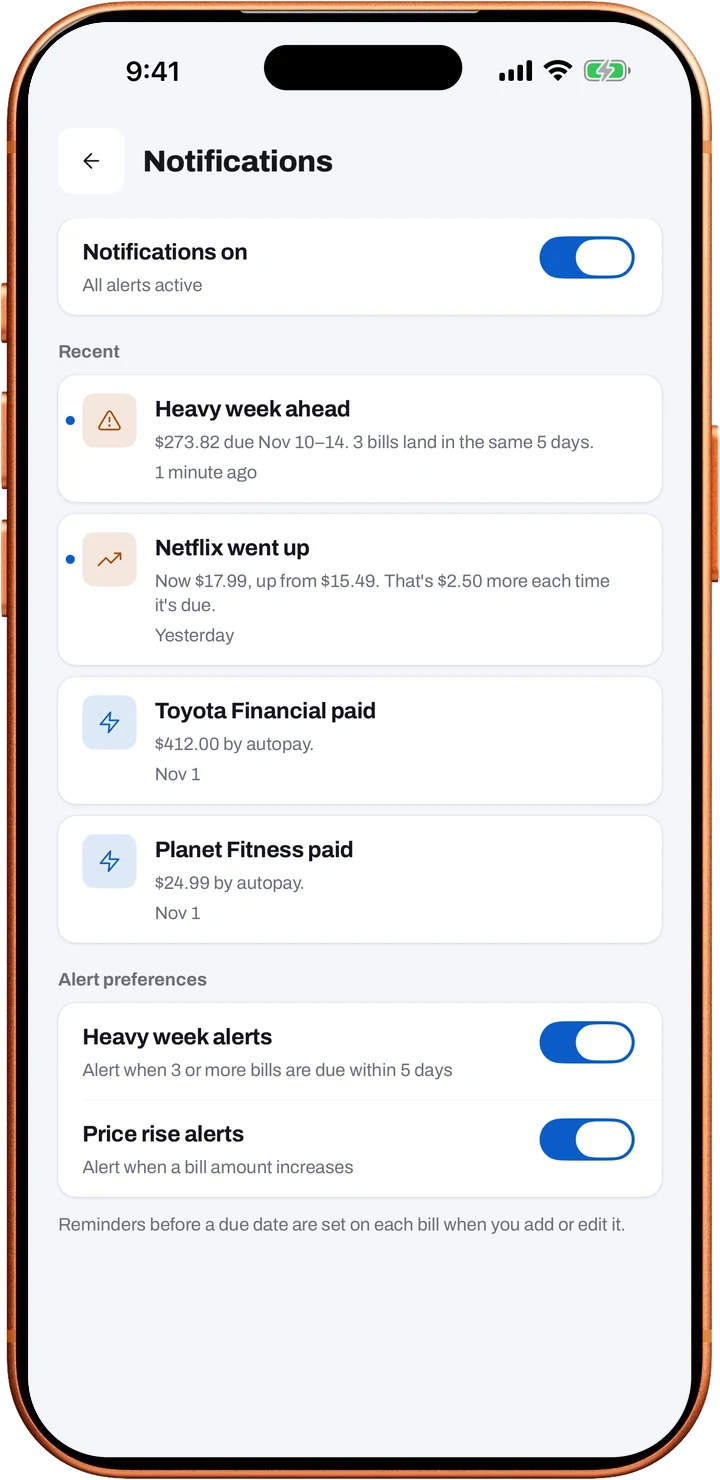
- Reminders you control. Per bill, a few days ahead, delivered even when you're offline.
- Every kind of repeat. Weekly, every two weeks, monthly, quarterly, yearly, and loans that end.
- A one-tap paid state. If marking paid is a chore, you'll stop doing it.
- What's left this month. One number you can check without adding anything up.
- No bank login required. Less risk, nothing to break when your bank changes its sign-in.
- Sharing, if anyone else pays bills in your home.
- Your data out. A way to export your history if you ever leave.
How easy Loulen is to use
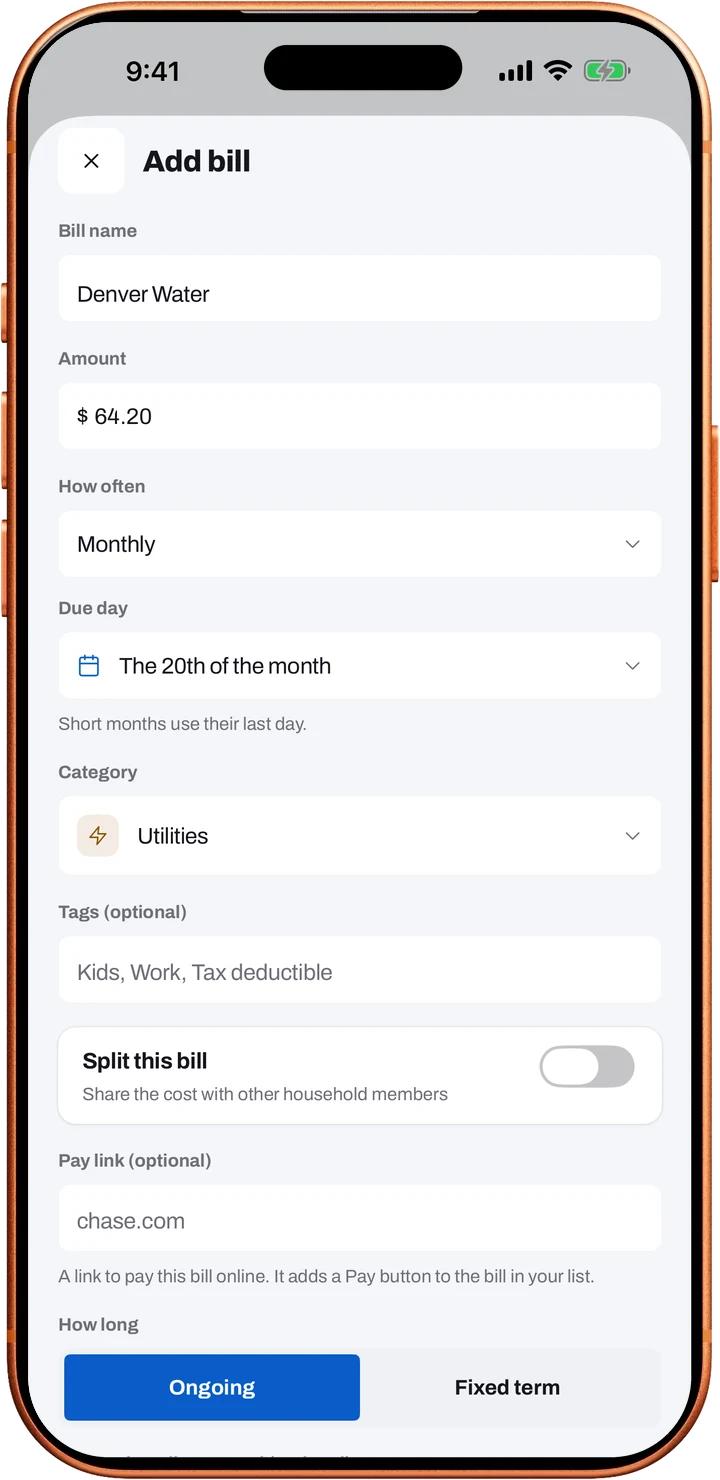
Loulen is a bill tracker and nothing else, which is what keeps it simple:
- Adding a bill is a name, an amount, a due day and how often it repeats. Reminders start on, 3 days before.
- Or skip the typing. Scan a paper bill or PDF, forward a bill's email, or import a spreadsheet. Loulen suggests the bill and you check it.
- Paying is a tap on the check, in the app, on Apple Watch or from a widget.
- Each month resets on its own, so recurring bills are unpaid again and ready to check off, and your history stays saved.
There are no budgets to set up and no categories to review. Most people have their regular bills in within 15 minutes. The setup guide walks through it.
Moving from another app
Most apps can export your bills to a spreadsheet. Arrange it like our template and import it from the Account tab. If your old app has shut down, see moving on from Prism.
Free for up to 5 bills. Premium is $29.99 a year, with a 7-day free trial on the annual plan for new subscribers, or $4.99 a month.
More guides
- Looking for a Prism alternative?
- How to track bills with a partner
- A bill tracker that doesn't need your bank login
- A free bill tracker spreadsheet
- How to get your bills organized for the new year
- Tracking your bills on Apple Watch
- Bill tracker app or spreadsheet?
- How to set up Loulen
- Getting the most out of Loulen